Click to download now, finish the installation quickly, and directly unlock the all-round experience
Screenshots
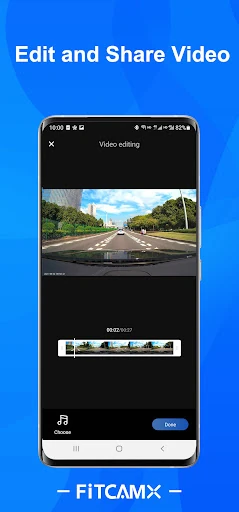
Click to download now, finish the installation quickly, and directly unlock the all-round experience
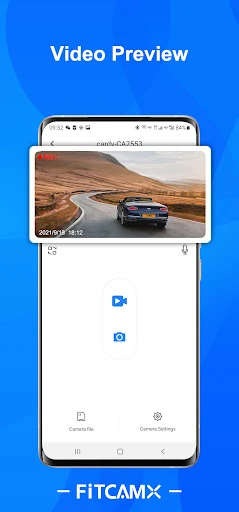
FITCAMX is the companion app for FITCAMX dash cams, built for drivers who want to manage recordings from their phone instead of handling the camera directly. It connects to the dash cam over Wi-Fi and provides access to camera controls, saved footage and basic sharing tools.
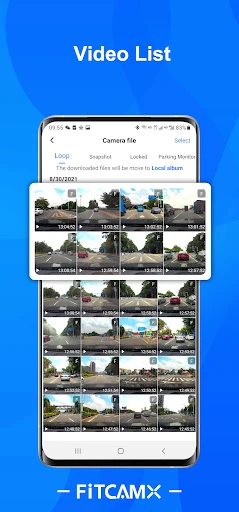
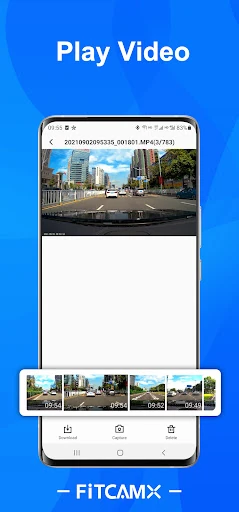
The app is mainly for practical jobs: checking what the camera recorded, downloading clips and adjusting dash cam settings. That makes it a natural fit for everyday drivers, commuters and anyone who wants a simpler way to review a journey after an incident or unexpected moment on the road.
FITCAMX does not try to be a full navigation, vehicle-maintenance or trip-planning tool. Its role is narrower and clearer: connect to the dash cam, find the right recording and get it off the camera when needed. If you own compatible FITCAMX hardware, that focused approach is more relevant than a long list of unrelated driving features.
Published by Viidure-pub in the Auto & Vehicles category, FITCAMX has 100,000+ installs and a 3.28 rating from 340 reviews. Those figures point to an app with a substantial user base, while the middling score suggests that the experience may depend on the phone, the Wi-Fi connection and the specific FITCAMX camera in use. It is best judged as a useful utility for existing owners, not as a standalone app for drivers without the matching hardware.