Click to download now, finish the installation quickly, and directly unlock the all-round experience
Screenshots
Click to download now, finish the installation quickly, and directly unlock the all-round experience
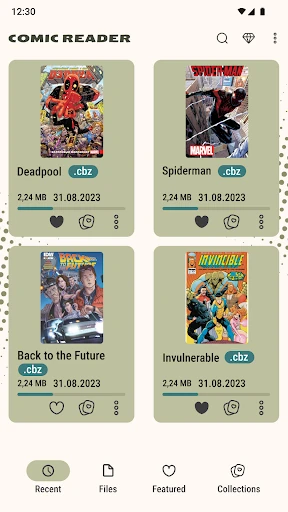
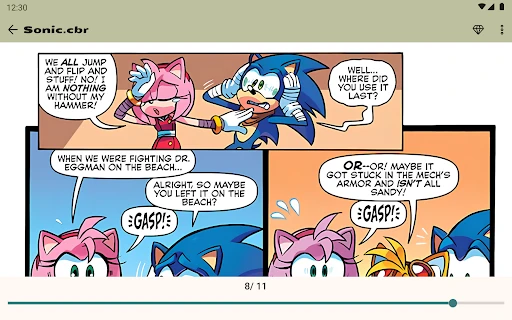
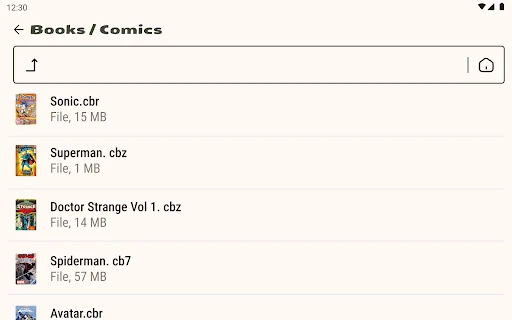
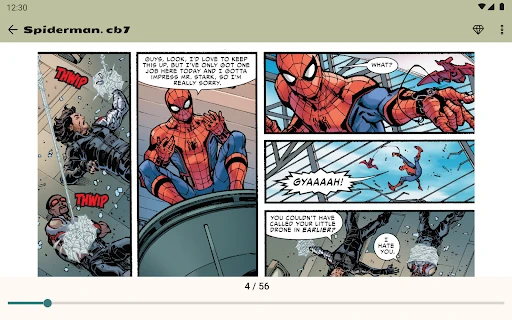
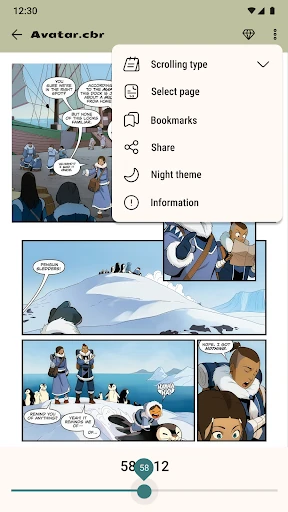
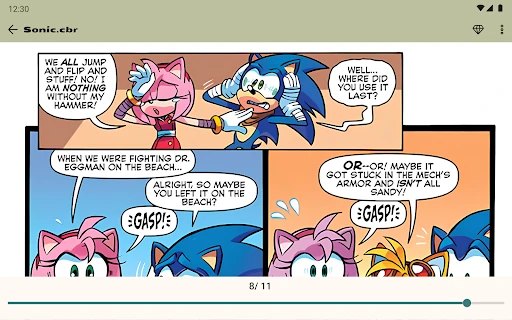
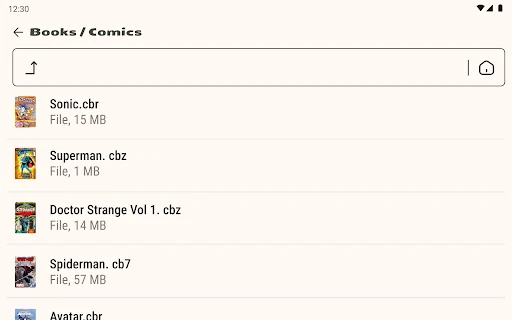
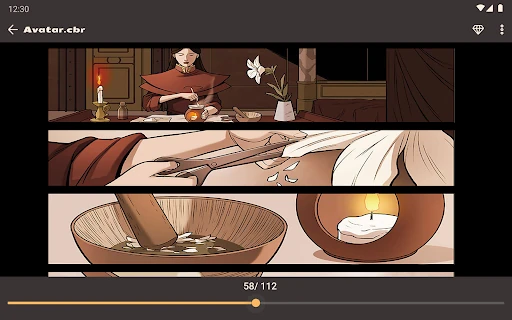
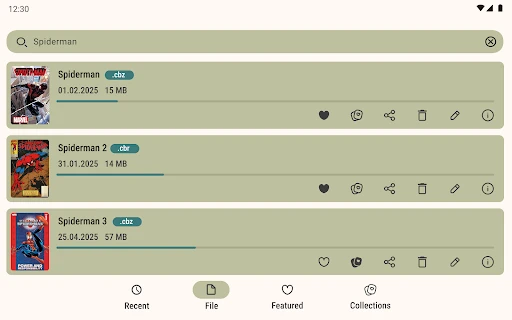
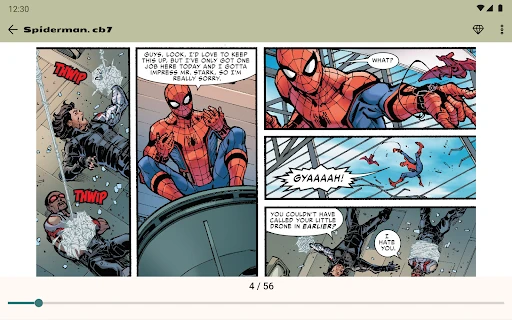
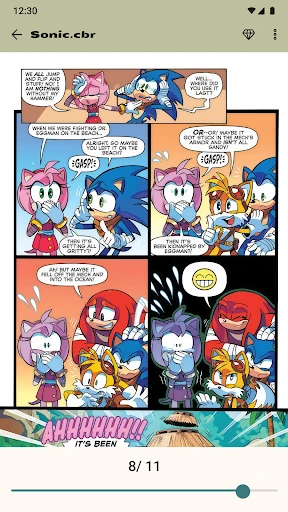
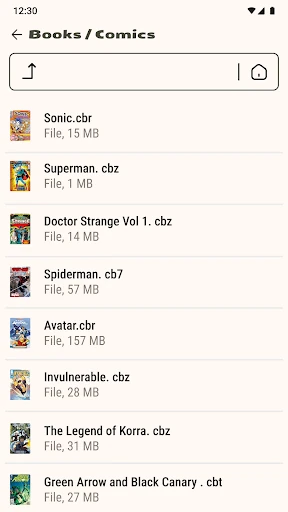
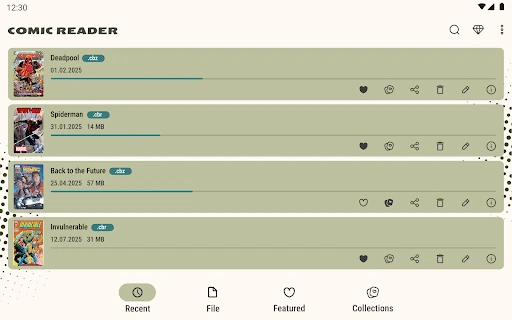
Comic Book Reader (cbz/cbr) opens locally stored digital comics and magazines on Android. It is aimed at readers who keep their collection as archive files rather than using a streaming library. The app supports CBZ and CBR, along with CB7 and CBT, so it can handle several common comic archive types without conversion.
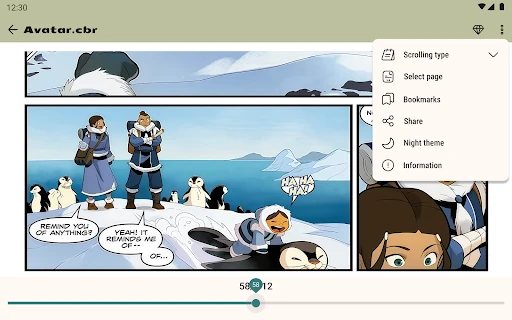
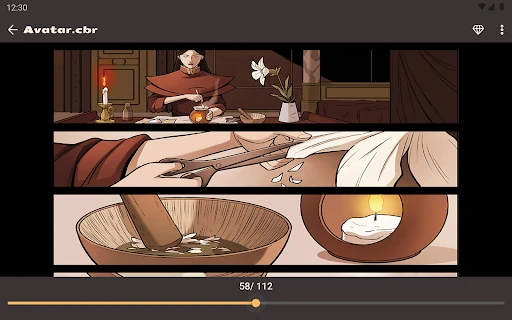
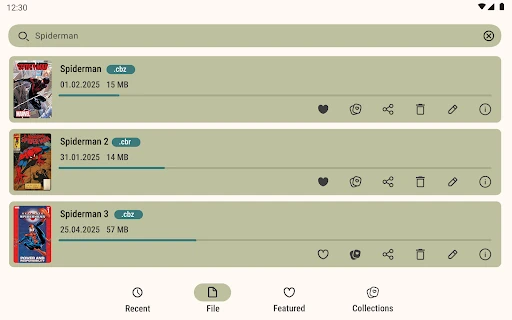
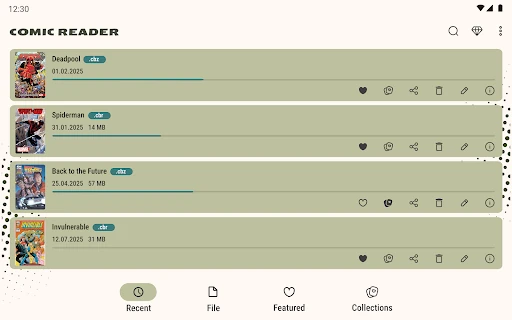
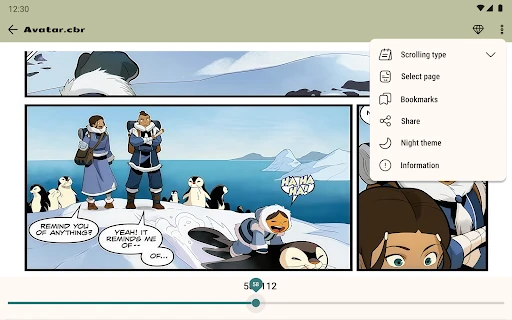
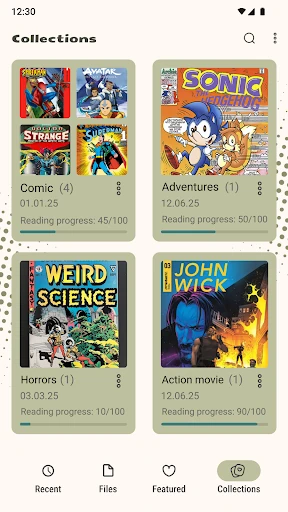
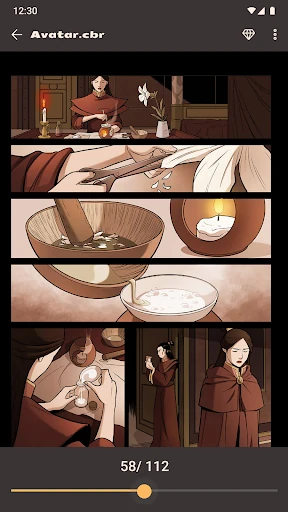
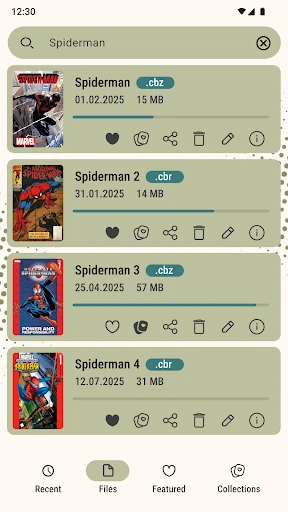
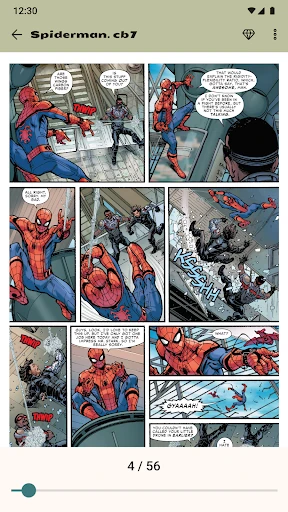
This is the sort of reader that becomes more useful after the novelty has gone. It remembers where you stopped, which matters when a volume runs for hundreds of pages. A built-in search helps locate books in a larger collection, while page navigation lets you move directly to a particular part of a file.
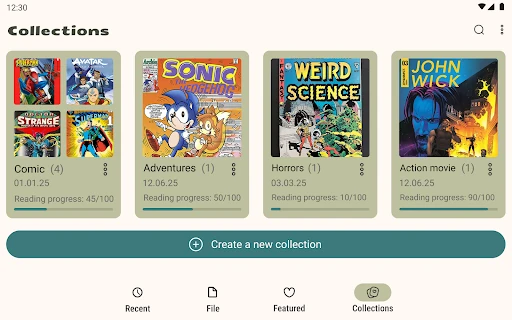
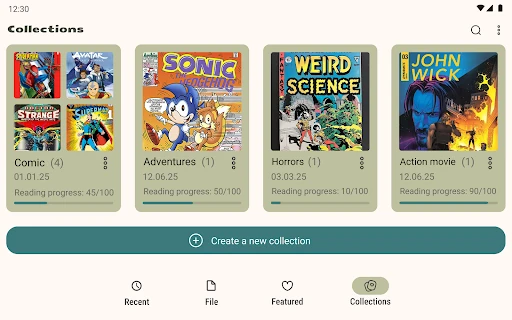
Android Tools (ru) has kept the focus on reading and basic file management. You can rename, delete, and organise files from within the app, which is helpful if your comic folder has become difficult to navigate. It also works without requiring a cloud account, making it suitable for collections kept on the phone and for reading when a connection is unavailable.
With a 4.39 rating from 7,625 reviews and more than 500,000 installs, Comic Book Reader (cbz/cbr) has found a steady audience among people who want a straightforward local reader. It does not need to be exciting every time it opens. If your phone already contains CBR, CBZ, CB7, or CBT files, its value is in making those files quick to find and comfortable to finish.