
Click to download now, finish the installation quickly, and directly unlock the all-round experience
Screenshots
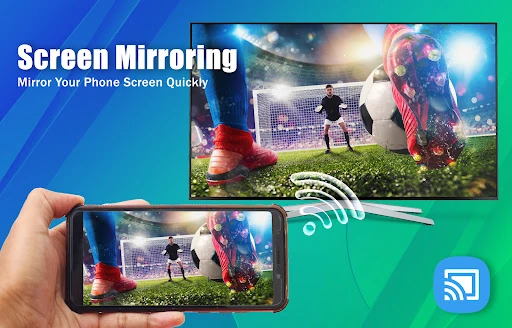
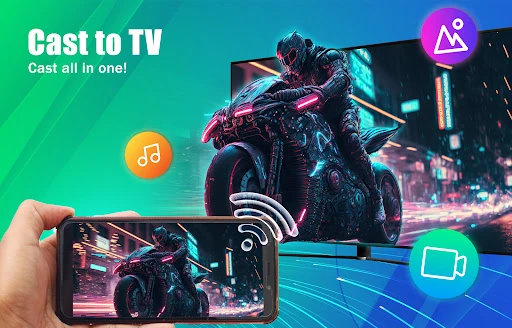
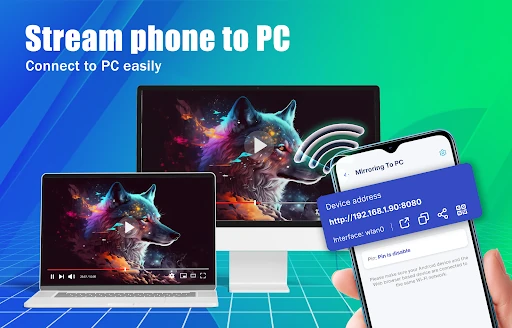
Click to download now, finish the installation quickly, and directly unlock the all-round experience
Screen Mirror: Cast to TV sends your Android phone’s screen to a compatible television over a local Wi-Fi connection. It can also cast selected photos, videos and audio, so you can show a holiday album, play a clip for a roomful of people, or watch phone-based content on a larger display. It suits anyone who regularly has something on their phone that is easier to share from the sofa than pass around by hand.
The app is aimed at more than one kind of screen. Alongside TV casting, it supports mirroring to a computer and can send web content from the phone’s browser to a larger display. That gives it a practical role for casual presentations, browsing with company, or demonstrating what is happening on an Android device without asking everyone to crowd around it.
This is the sort of tool that earns its place through occasional convenience rather than constant use. It is handy when guests want to see a phone screen, when a family wants to watch a short video together, or when a small display is simply too small for the task. The main limitation is the network: a busy or unstable Wi-Fi connection can introduce delay or interrupt the session.
Screen Mirror: Cast to TV comes from Hydra Global Ltd. and sits in the Tools category. Its 4.43 rating from 27,336 reviews and 1,000,000+ installs suggest that the straightforward screen-sharing job has found a sizeable audience. It is best suited to Android users who want a simple bridge between a phone and a TV or computer, without turning casting into a project.