
Click to download now, finish the installation quickly, and directly unlock the all-round experience
Screenshots
Click to download now, finish the installation quickly, and directly unlock the all-round experience
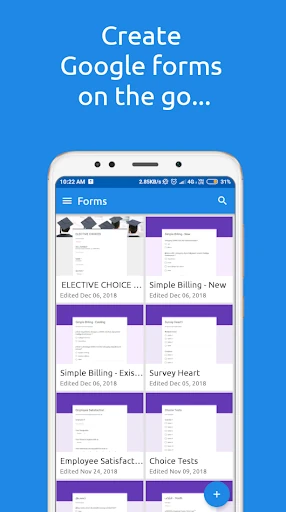
FormsApp is a mobile form-building and response-management tool for people who use Google Forms or SurveyHeart and do not want to rely on a desktop. It suits teachers, small teams, event organisers, recruiters and anyone who needs to create questions, update a form or check submissions while away from a computer.
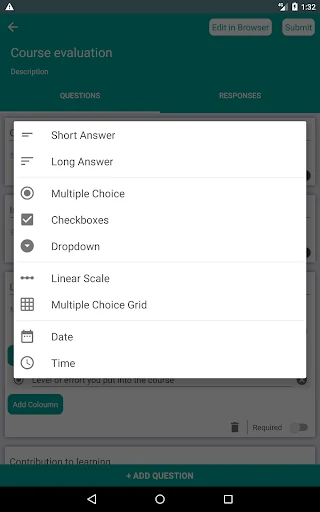
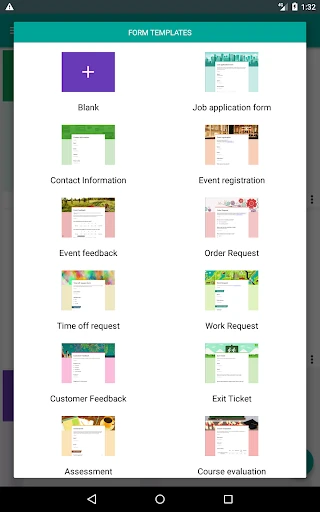
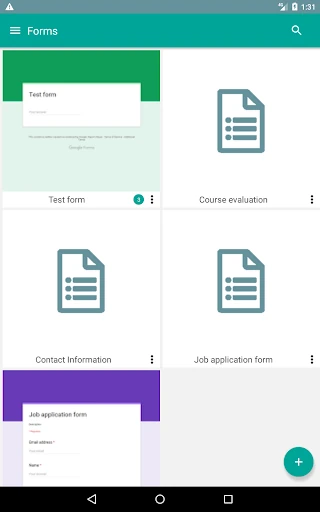
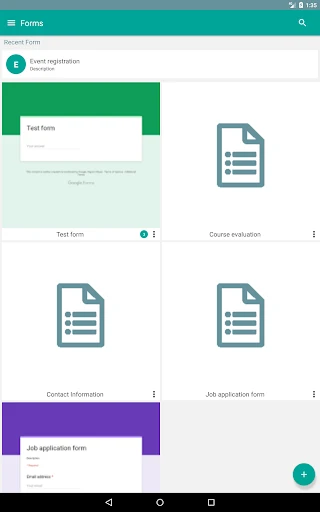
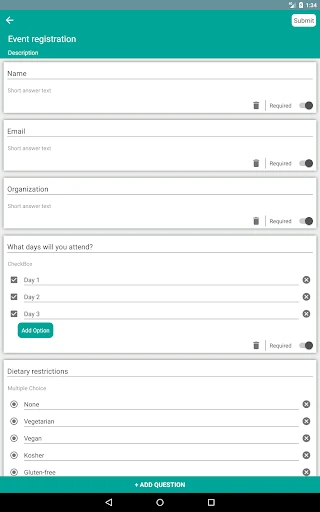
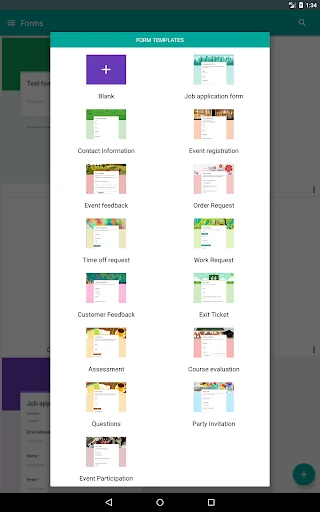
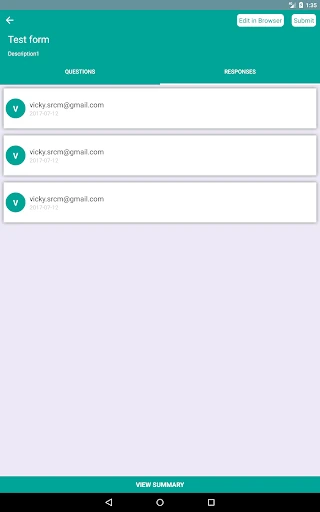
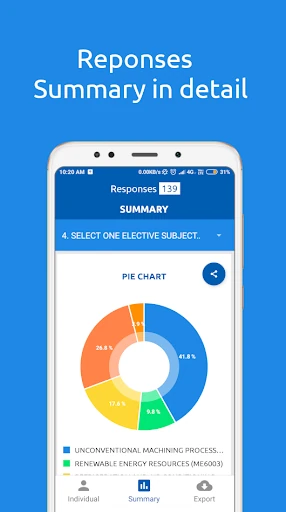
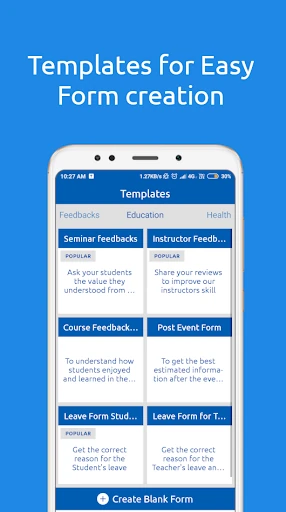
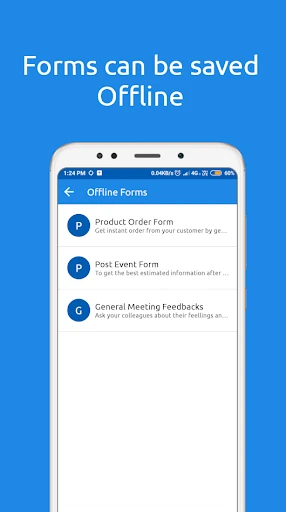
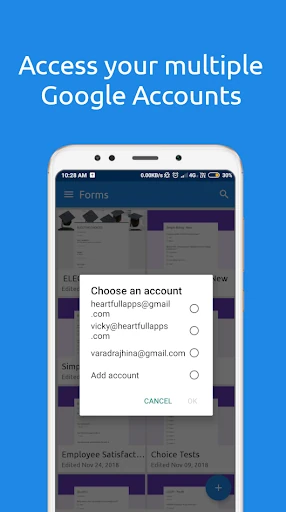
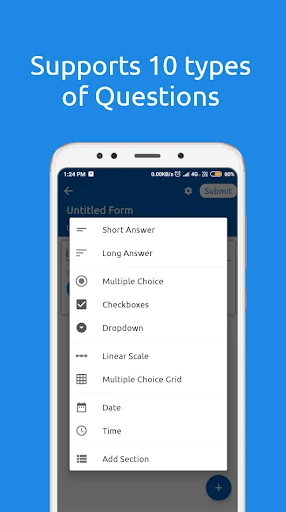
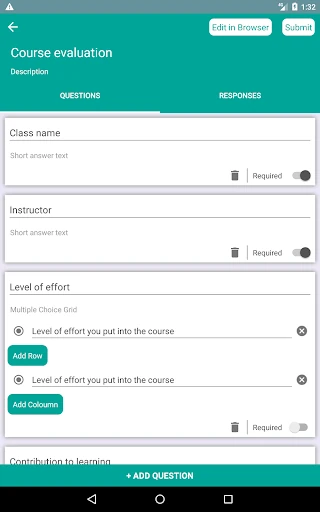
The app brings common form tasks into one phone-friendly workspace. You can start with templates for uses such as job applications, customer feedback and event registration, or work on your own forms. Existing Google Forms can be edited from the app, while responses remain available for review. Multiple Google accounts are supported, which is useful when personal and work forms need to stay separate.
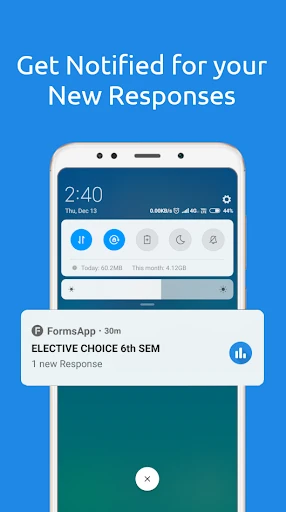
FormsApp is most useful for small changes and quick checks: correcting a question before an event, checking whether a registration form has started receiving replies, or preparing a survey between meetings. It is not trying to replace every desktop workflow. Its value is having the basic controls close by when opening a laptop would be inconvenient.
SurveyHeart LLP publishes FormsApp in the Productivity category. It has a 3.16 rating from about 39,633 reviews and 10,000,000+ installs. Those figures point to a widely used utility with mixed user feedback rather than a universally polished experience. The interface is functional and fairly direct, but people looking for a more refined or spacious form-building experience may still prefer working in a browser on a larger screen.